Find Your Pennsylvania Utility Account Number
Your account number is required to switch electricity suppliers in Pennsylvania. Here's exactly where to find it for all major Pennsylvania utilities.
Quick Reference by Utility
Important Note for Met-Ed Customers
Met-Ed uses a unique 20-digit Customer Number format that starts with 080. This is different from most Pennsylvania utilities that use 10-digit account numbers. Make sure you use all 20 digits when switching suppliers.
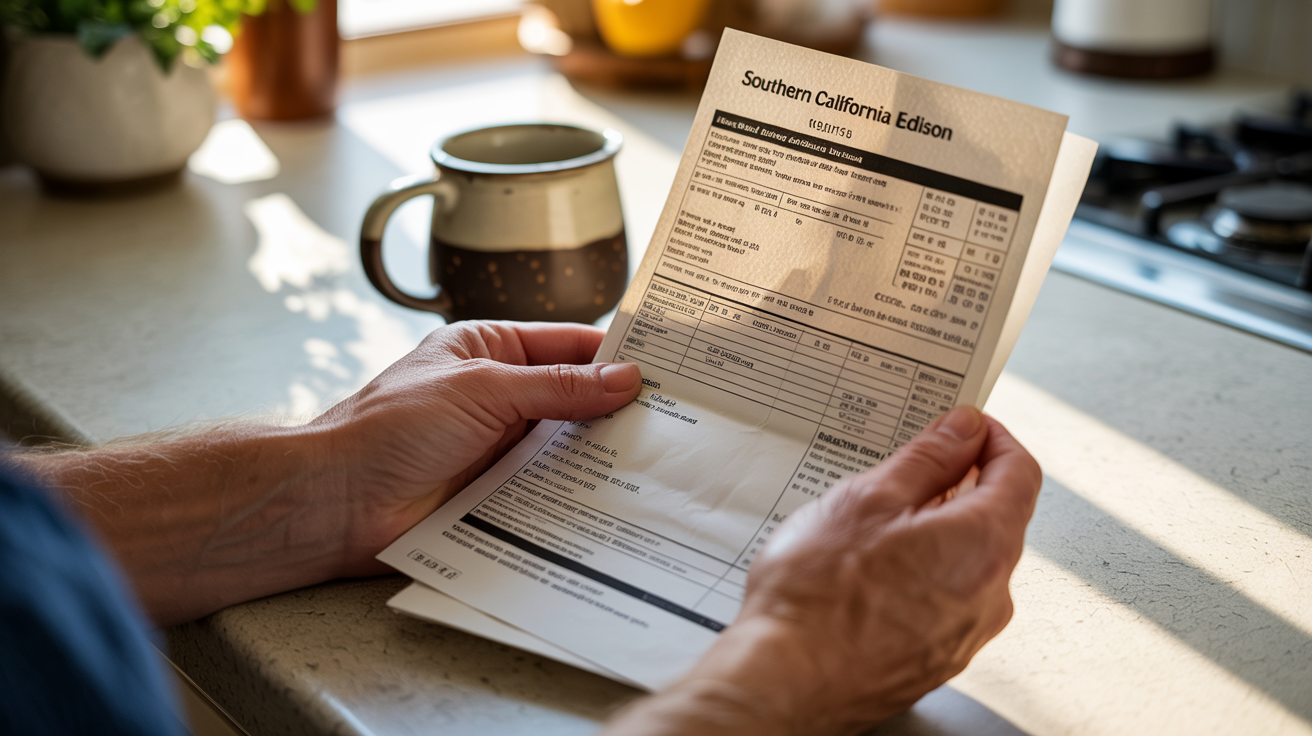
Method 1 - Check Your Electric Bill
Most reliable method - your account number is always on your bill
Where to Look
Method 2 - Online Account Dashboard
Log into your utility's website to view your account details
PECO
PPL Electric
Met-Ed
Duquesne Light
Method 3 - Mobile Apps
Download your utility's official mobile app
Available Apps
Method 4 - Call Customer Service
When all else fails, call your utility directly
When Calling
Common Issues & Solutions
Can't Find Account Number on Bill
Look for alternative labels: "Customer Number," "Service Account," "Contract Account," "Supplier Agreement ID," or "Account ID."
Don't Confuse With Meter Number
Your meter number is different from your account number. The meter number is usually on your physical electric meter.
Met-Ed 20-Digit Format
If you're a Met-Ed customer, remember your account number is 20 digits starting with 080. Don't confuse it with shorter numbers on your bill.
New Customer / Just Moved
If you just moved or are a new customer, you'll need your first bill before you can switch suppliers. This usually arrives 30-45 days after service starts.
Digital Bills
Check your email for digital bills, or search for emails from your utility company. The account number will be in the same location as paper bills.
Duquesne Light "Supplier Agreement ID"
Duquesne Light customers: Your account number may be labeled as "Supplier Agreement ID" on your bill. This is the 10-digit number you need for switching.