Quick Answer
SmartMeterTexas.com provides free 15-minute interval usage data from your Oncor, CenterPoint, or AEP smart meter. Register with your ESID and meter number to access 13-month history. Use this data to evaluate free nights plans and compare rates at your actual usage on ElectricRates.org.
What Is Smart Meter Texas?
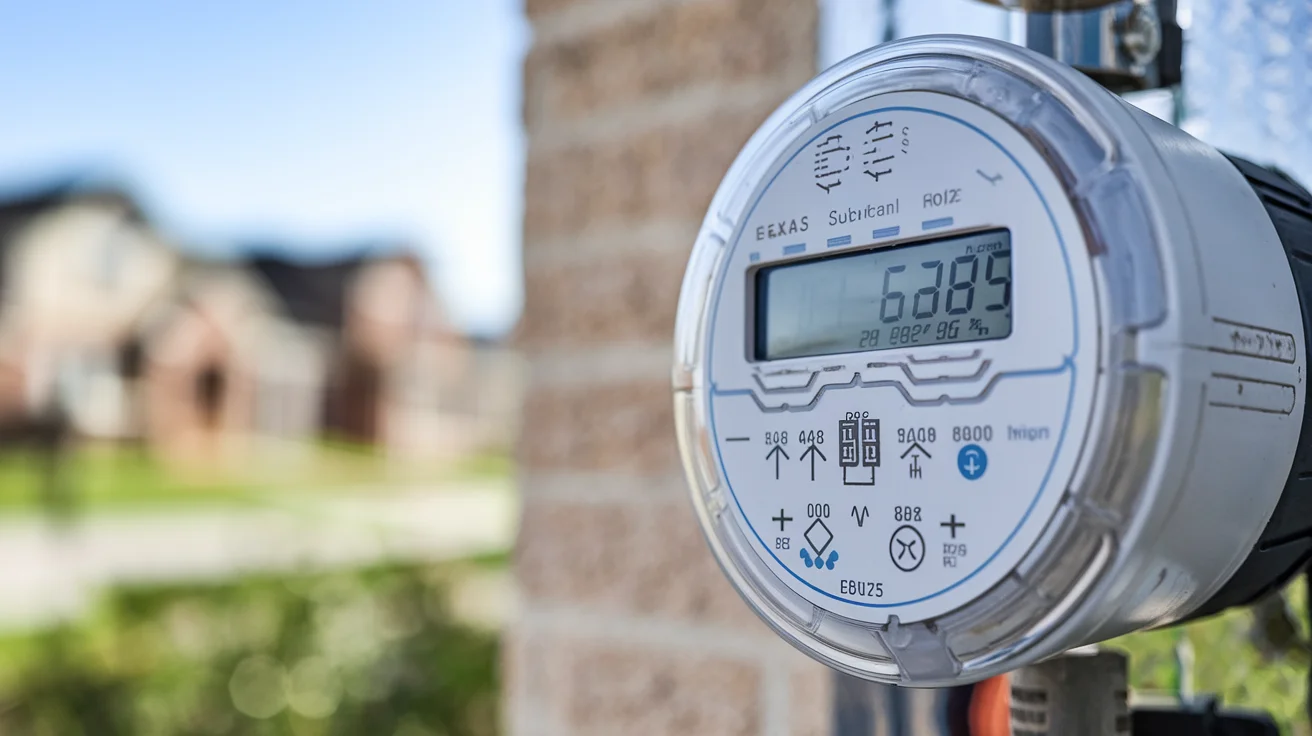
Smart Meter Texas (SmartMeterTexas.com) is a free statewide portal that gives you access to your detailed electricity usage data. Unlike the basic monthly totals on your electric bill, Smart Meter Texas provides 15-minute interval readings—96 data points per day showing exactly when and how much electricity you use. This granular data transforms how you shop for electricity by revealing your actual usage patterns. The portal is a collaborative effort between Texas TDUs (Oncor, CenterPoint, AEP Texas, TNMP, and Lubbock P&L) and is available to all residential customers with a smart meter—which includes over 8 million Texas homes. Registration is free and takes about five minutes if you have your account information ready.
What You Need to Register
To create your Smart Meter Texas account, gather two pieces of information from your electricity bill: your ESID (Electric Service Identifier) and your meter number. The ESID is a unique 17 or 22-digit number that identifies your specific service point—it stays the same regardless of which provider you use. Your meter number appears on your bill and is also printed on your physical smart meter. During registration, you will create a username and password, verify your identity, and agree to terms of service. The process typically completes immediately, though some accounts require 24-48 hours for TDU verification. If you cannot find your ESID, contact your current electricity provider or check your most recent bill carefully.
Navigating Your Usage Data
Once registered, Smart Meter Texas offers multiple data views: 13-month history, 30-day detail, and 24-hour breakdowns. The 30-day view reveals day-to-day patterns—you might discover weekend usage differs significantly from weekdays. The 24-hour view shows hourly peaks, typically exposing when AC runs most heavily or identifying vampire loads from appliances running overnight. You can export data in CSV or XML formats for detailed analysis in spreadsheet software. The green tab feature lets you authorize third parties (like comparison services) to access your data automatically. Usage data updates within 24-48 hours of actual consumption, so you are always seeing near-real-time information rather than waiting for your monthly bill.
Using Your Data to Shop for Electricity
Your Smart Meter Texas data reveals whether time-of-use or free nights plans save you money. Download your hourly data and calculate what percentage of your usage occurs during off-peak hours (typically 8pm-6am). If over 50% of your usage falls in off-peak periods, free nights plans may significantly reduce your bills. If your usage distributes evenly throughout the day, a simple fixed-rate plan without time restrictions likely serves you better. Your monthly usage totals help you evaluate plans at accurate usage levels rather than the standard 1000 kWh shown on Power to Choose. Many Texas households use 1500-2500 kWh in summer—checking plan pricing at your actual usage prevents surprise bills.
Identifying Energy Waste Patterns
Smart Meter Texas data exposes energy waste you might never notice otherwise. Look for baseline overnight usage—in an efficient home, this should be 0.5-1 kWh per hour from refrigerators, water heaters, and standby electronics. Higher overnight usage suggests inefficient appliances or unnecessary loads. Sudden spikes during specific hours might indicate HVAC issues, pool pumps running excessively, or water heaters cycling too frequently. Compare similar days to spot anomalies—if Saturday usage suddenly doubles compared to previous Saturdays, something changed. Many households reduce their bills 10-20% simply by identifying and addressing waste patterns revealed in their Smart Meter Texas data.
Understanding Seasonal Usage Variations
Texas electricity usage swings dramatically by season—summer bills often run 2-3 times higher than spring or fall. Smart Meter Texas 13-month history shows these patterns clearly, helping you anticipate costs and plan accordingly. Note your peak summer month usage and compare it to your lowest month. This spread determines how much you benefit from fixed-rate plans versus variable rates. If your summer usage regularly exceeds 2000 kWh, pay special attention to plan pricing at higher usage tiers where many plans become less competitive. Understanding your seasonal pattern also helps you time contract signing—enrolling in a 12-month fixed plan during low-demand spring often locks in better rates than signing during summer price peaks.
Authorizing Third-Party Data Access
Smart Meter Texas allows you to authorize third parties—electricity comparison services, energy management apps, or solar installers—to access your usage data automatically. This green button feature eliminates manual data downloads when working with these services. You control exactly which parties have access and can revoke authorization anytime through your Smart Meter Texas account. Some comparison services offer personalized plan recommendations based on your actual usage patterns when you authorize data sharing. Before granting access, verify the third party legitimacy and understand what they plan to do with your data. Most reputable services use data solely for providing personalized recommendations.
Common Issues and Solutions
If you cannot register, verify your ESID and meter number match exactly what appears on your bill—even small digit errors cause rejection. New service locations may take 1-2 weeks before Smart Meter Texas data becomes available. If your account shows outdated data, check that your smart meter is communicating properly—TDUs occasionally have transmission issues. For apartment residents, ensure you are using your individual meter number, not a building master meter. If all else fails, contact your TDU (Oncor, CenterPoint, etc.) directly rather than Smart Meter Texas—they manage the actual meter data and can resolve access issues. Keep your account credentials secure since your usage data can reveal when your home is occupied.
Frequently Asked Questions
Is Smart Meter Texas free to use?
Yes, Smart Meter Texas is completely free for all Texas residential electricity customers with smart meters. There are no subscription fees or charges to access your usage data.
Where do I find my ESID number?
Your ESID (Electric Service Identifier) appears on your monthly electricity bill, typically near the top with your account information. It is a 17 or 22-digit number that identifies your specific service location.
How often does Smart Meter Texas update usage data?
Usage data typically updates within 24-48 hours of actual consumption. The 15-minute interval readings are collected by your smart meter and transmitted to Smart Meter Texas daily.
Can I use Smart Meter Texas if I just moved?
New service locations may require 1-2 weeks before data appears in Smart Meter Texas. Ensure your electricity service is active and you have received at least one bill with your ESID before attempting registration.
What TDUs participate in Smart Meter Texas?
All major Texas TDUs participate: Oncor, CenterPoint, AEP Texas (Central and North), TNMP, and Lubbock P&L. If your area has electricity choice, your smart meter data should be accessible through Smart Meter Texas.
Looking for more? Explore all our Texas Energy guides for more helpful resources.
About the author

Consumer Advocate
Enri knows the regulations, the fine print, and the tricks some suppliers use. He's spent years learning how to spot hidden fees, misleading teaser rates, and contracts that sound good but cost more. His goal: help people avoid the traps and find plans that save money.
Electricity deregulationTexas retail electricity providersPUCT consumer regulationsTexas satisfaction guaranteesERCOT electricity market
Compare rates in your area
Topics covered
Texas Smart Meter Texas usage data kWh electricity shopping energy management
Sources & References
- Smart Meter Texas (Smart Meter Texas): "Smart Meter Texas provides 15-minute interval usage data"Accessed Dec 2025
- Smart Meter Texas (Smart Meter Texas): "Registration requires ESID and meter number"Accessed Dec 2025
Last updated: December 31, 2025